Unreel Recipes
Appearance
Free · No account required

Trapped recipes in.
Cookable recipes out.

Paste a YouTube cooking video or the text of a recipe and get a clean page you can actually cook from: ingredients, steps and timings supported by the source, with the creator credited and linked.

Latest recipes

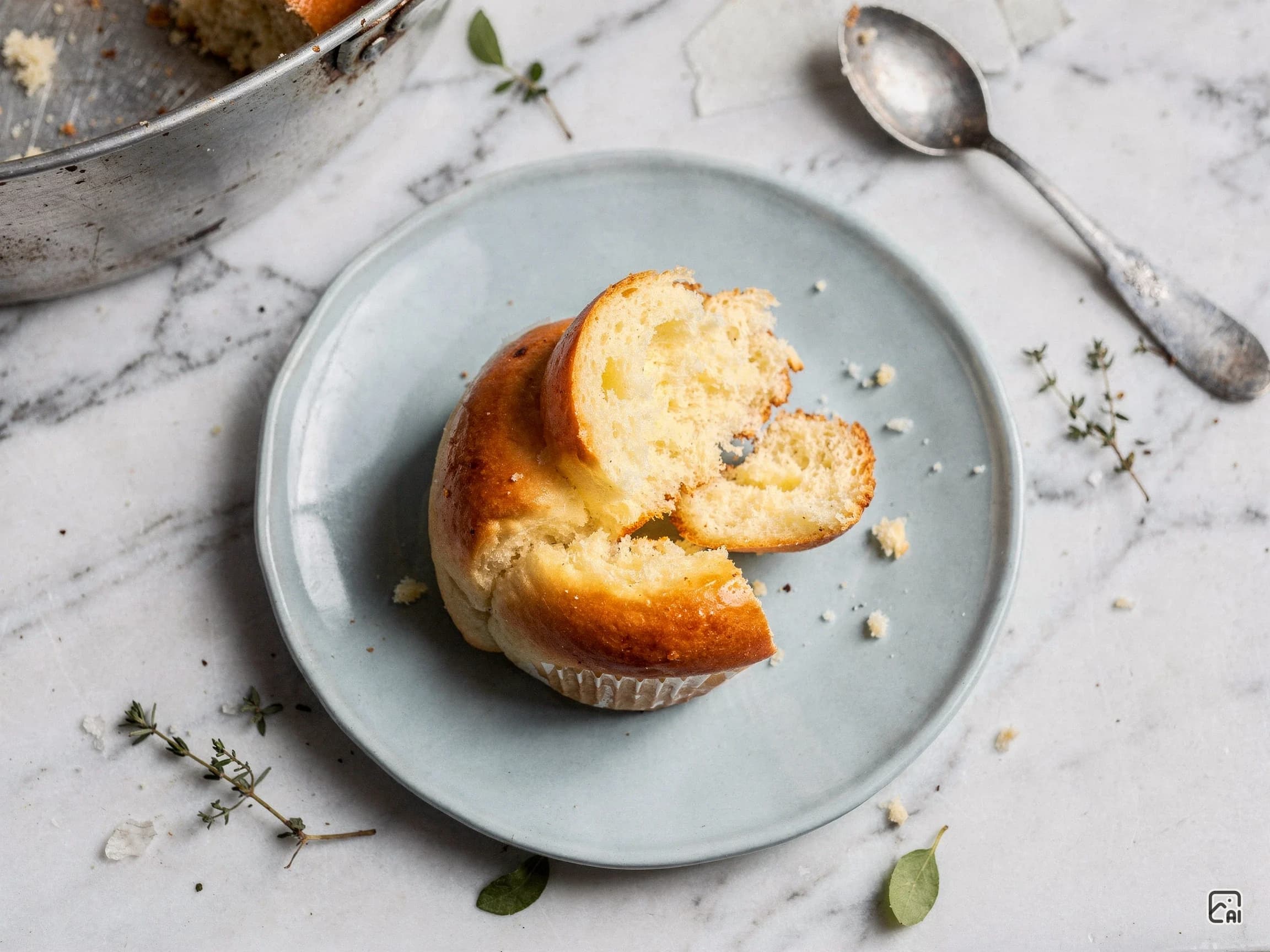
Breakfast For OneAdded Aug 11, 2026

Poached Eggs

Total
1 hour 15 minutes
Servings
1 serving
Difficulty
Easy
Simply Mamá CooksAdded Aug 8, 2026

Creamy Shells and Beef

A one-pot pasta dish featuring small pasta shells and ground beef seasoned with taco seasoning, simmered with Rotel tomatoes and green chilies, then finished with melted cheddar cheese and heavy cream for a creamy, comforting weeknight dinner.

Total
1 hour 15 minutes
Servings
4 servings
Difficulty
Easy
one-pot mealspastacomfort foodAmerican
See all recipes →

How it works

  1. Paste the source

    A YouTube URL — full, short, or embedded — or the text of a recipe you already have. No account, nothing to install.

  2. We read the source

    We pull the transcript and work out the ingredients, the steps, and the timings the creator actually gave. Anything they did not say stays unstated rather than invented.

  3. You get a page that stays put

    A clean recipe page at a permanent address, with the creator credited and linked. Scale the servings and every quantity follows.

Cook along with the video

Recipe Mode shows one step at a time in type you can read from across the kitchen, keeps the screen awake, and plays the moment in the video where that step is demonstrated — on repeat, so it is still going when you look up from the pan. Space, Tab or Enter moves you on, which is about as much dexterity as wet hands can manage.

Each step lists only the ingredients it needs, at the number of servings you chose. Open any recipe and press Cook this recipe.

Recipe Mode showing step one of ten, with the dish photographed beside the step written in large type and the ingredients that step needs.
Recipe Mode on step 1 of 10 — the step in type you can read from across the room, the ingredients that step needs at the servings you chose, and Back and Next big enough to hit with a knuckle. This recipe was pasted as text, so the pane shows the dish; a video recipe plays the moment that step is demonstrated there instead.

Questions

How do I get the recipe from a YouTube video?
Paste the video URL here. We read the transcript, pull out the ingredients and steps the creator actually gave, and publish a permanent recipe page for that video — free, with no account. If the video turns out not to contain a recipe, we tell you rather than making one up.
Can I follow the recipe while I cook?
Yes. Recipe Mode shows one step at a time in large type you can read from across the kitchen, keeps your screen awake, and plays the part of the video where that exact step is demonstrated — on repeat, so it is still going when you look up from the pan. Space, Tab or Enter moves you on.
Do you change the recipe or add your own instructions?
No. We rewrite the wording in our own words, but we never invent a quantity, a temperature, or a step the source did not support. Where a creator did not state something, the page says so instead of guessing.
Are the recipes AI-generated?
The pages are generated automatically from the source, and the photographs are AI-generated — which is why every one of them carries a visible mark saying so. Total time, hands-on time, yield and difficulty are estimates when the creator did not state them, and are labelled as estimates wherever they appear.
Does the original creator still get credit?
Always. Every recipe page names the creator and links back to the original video. The point is to make their recipe easier to cook from, not to replace it.
Can I change the number of servings?
Yes. Set the servings you want and every scalable quantity is recalculated, including in Recipe Mode, where each step lists only the ingredients that step needs at the amounts you chose.